Table of Contents
{$page}
Installing COELACANTH Service
The COELACANTH service must be running at all times in order for the API to be accessible for querying.
Requirements
- Control 5.1 must be installed and functioning.
- CHAPI must be installed and functioning.
- .NET 4.5 must be installed.
Installation
- Copy the latest Coelacanth.Setup.MSI from G:\RunImage\Installations\Control 5.1\WAPIC\.
- Double-click to run the Coelacanth.Setup.MSI to begin the installation process.
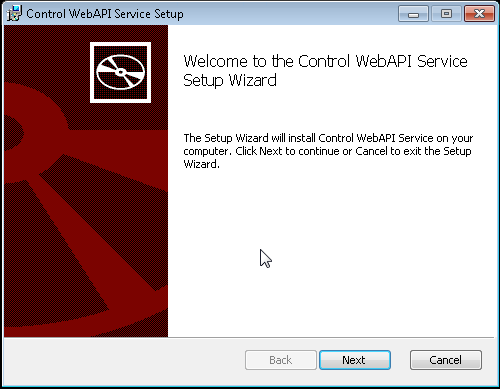
- Click Next to begin the installation of the Control Web API Service.
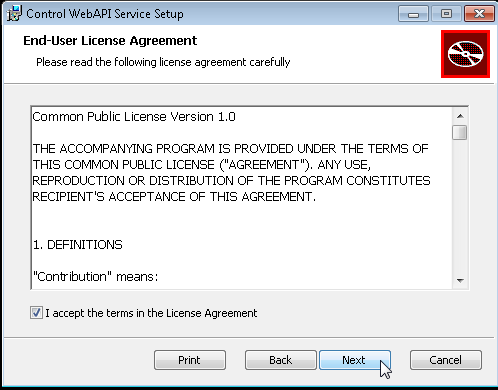
- Accept the license agreement usage terms and click Next.
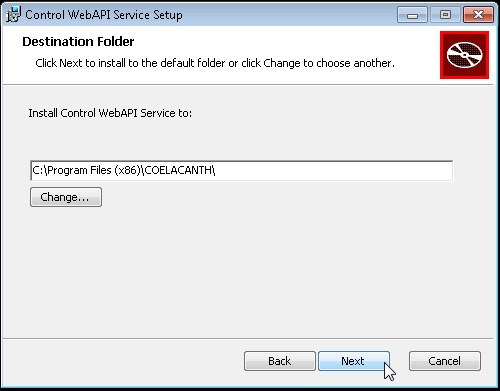
- Specify a destination folder if you prefer, otherwise click Next.
- Click Install to complete the installation.
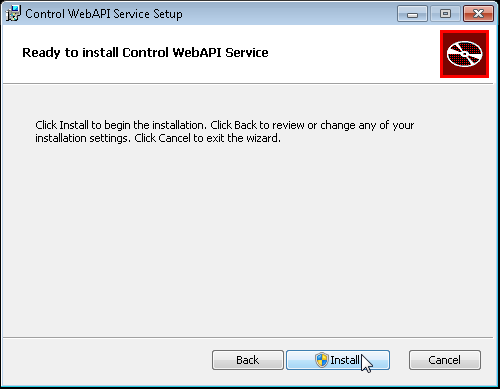
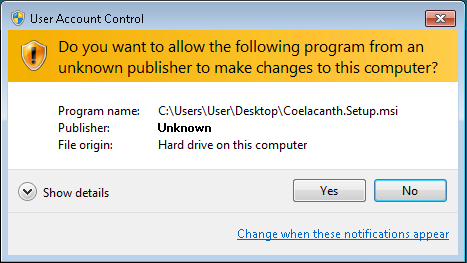
- Click Yes if prompted to allow the following program to make changes to this computer.
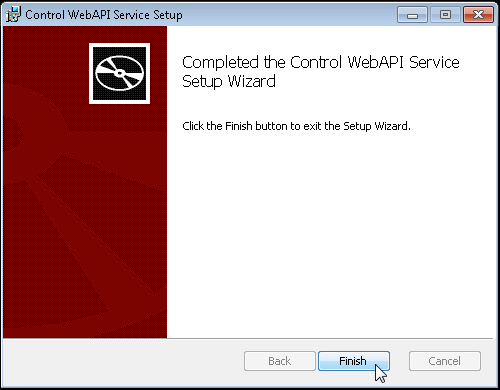
- Click Finish to close the install window.
Verify the COELACANTH Service is Installed and Running
- Open Control Panel
- Administrative Tools
- Services
- Locate Coelacanth.ServiceHost_5321
- Verify the status is listed as Running.
Testing the API
- Proceed to the Request Test System Page to submit your requests to the API.
Troubleshooting
- If you encounter any problems with the install it is recommended that you refer to the additional articles listed on the main WAPIC wiki page.
- The MSI Installation supports passing additional parameters via command line if you need to alter the default settings of the installation.
Coelacanth.Setup.msi CSSERVER=[sql server] CSINSTANCE=[SQL Instance] CSUSERID=[SQL User] CSPASSWORD=[SQL User Password] CSLOG=[SQL Table Name for WAPIC Log] CSCONTROL=[Control SQL Database] PORT=[PORT] CHAPIADDRESS=[CHAPI URL] USERNAME=[CHAPI User] PASSWORD=[CHAPI User Password]
- Example:
Coelacanth.Setup.msi CSSERVER=MyServer CSINSTANCE=CYRIOUS CSUSERID=cyrious CSPASSWORD=Enter SQL Pass CSLOG=WAPIC_Log CSCONTROL=StoreData PORT=5321 CHAPIADDRESS=“http://localhost:12556/chapi/” USERNAME=Chapi PASSWORD=Ch@piUser1
Source
Contributor: Brandon R., Cyrious
Date: 8/21/2013
Version: Control 5.1
See Also
- Backlinks include_pagepage_componentbacklinks